A critical PHP security release just landed, and the question I keep hearing is the practical one: what do I actually run on the server?
This is the short version for a standard Ubuntu server running PHP-FPM, installed from the Ondřej Surý (sury.org) repository. If your PHP comes from somewhere else, the idea is the same but the commands differ.
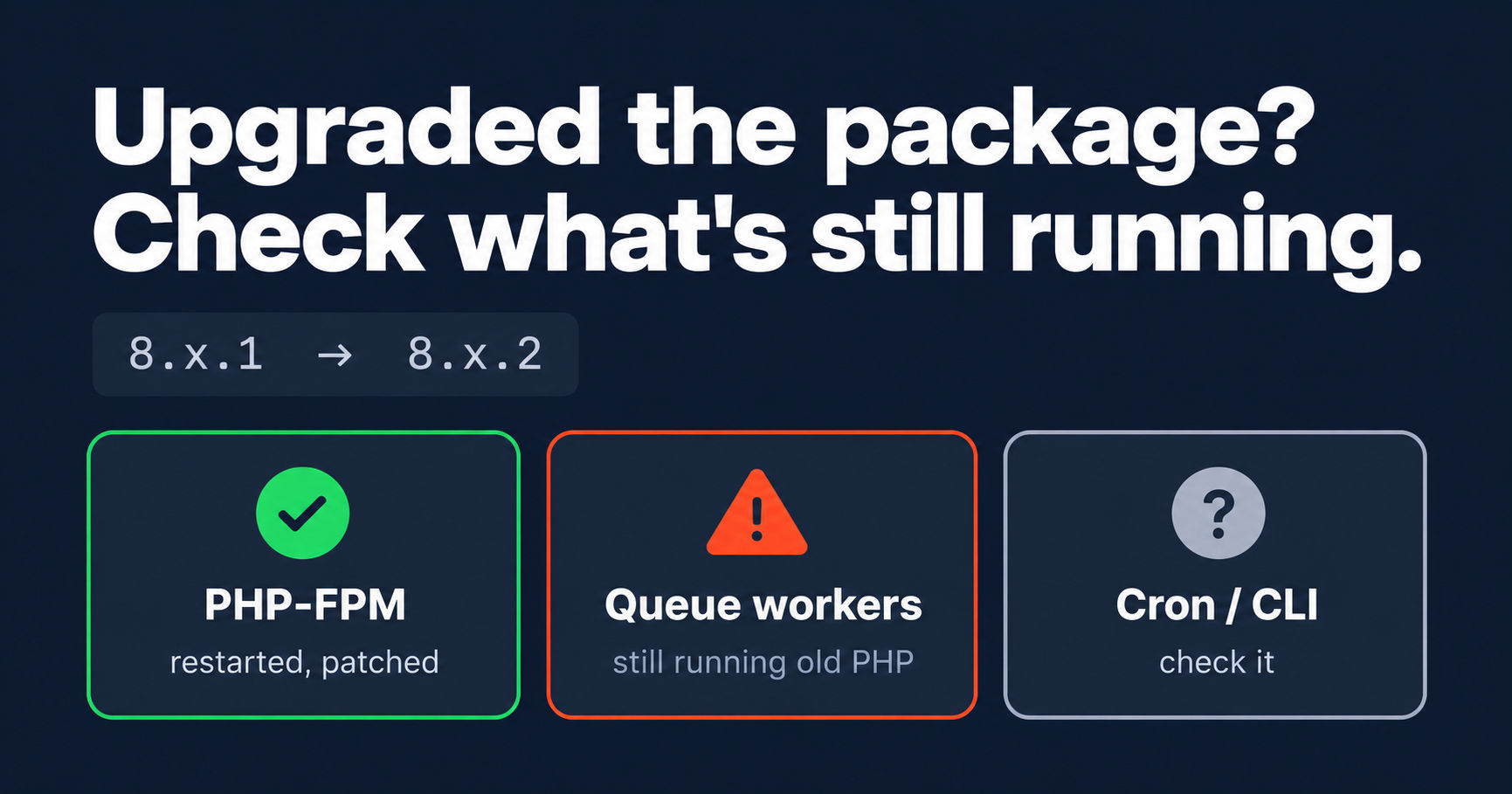
A security release is a patch bump inside your current branch, for example 8.x.1 to 8.x.2. You are not doing a major upgrade, so you should not need code changes.
Check what you are running
php -v
dpkg -l | grep php
Note the exact patch version and how PHP was installed. Then find the fixed version for your branch in the official release announcement on php.net. Do not guess it.
Pull the update
sudo apt update
apt list --upgradable 2>/dev/null | grep php
You want to see your PHP packages listed at a newer patch version. If nothing shows up, the repository may not have published the build yet. Wait and check again. Do not compile from source to save a few hours.
Upgrade only the PHP packages
sudo apt install --only-upgrade 'php8.x*' php-common
Replace 8.x with your branch. The --only-upgrade flag updates what is already installed and does not pull in new packages or touch the rest of the system. Extensions come from the same repository and upgrade together.
Some distributions backport fixes without changing the version number. If the version looks unchanged, read the changelog and look for the CVE IDs:
apt changelog php8.x-cli | head -30
Restart the processes that hold PHP in memory
Upgrading the package does not always restart everything that uses it.
sudo systemctl restart php8.x-fpm
sudo systemctl reload nginx
Then restart anything long-running. Queue workers, Horizon, Octane and supervisor-managed processes keep the old PHP loaded until they restart. This is the step people forget, and it leaves part of your app on the vulnerable version.
php artisan queue:restart
php artisan horizon:terminate
Verify
php -v
php-fpm8.x -v
systemctl status php8.x-fpm
Both version outputs should show the new patch number. Then load the app and check the logs.
Also look for leftovers. Old PHP versions installed side by side, and processes still running on an old binary, are common:
dpkg -l | grep -E 'php[0-9]'
ps aux | grep -E 'php|artisan' | grep -v grep
Things to do before you start
- Take a snapshot or backup of the server.
- Test on staging first if you have one.
- Update the CLI and FPM together so they do not drift.
- Patch every environment. Staging boxes, cron hosts and worker machines are the ones that get missed.
What about Docker?
Updating the host does nothing for containers. Pull the new base image, rebuild with --pull, and redeploy. If you do this often, a CI/CD pipeline turns it into a one-line change. I wrote about that here: CI/CD Pipeline for Security Patching: Why It Pays Off.
What I'd tell you
- Patch within your current branch first. It is the smallest change that closes the hole.
- Restarting the workers matters as much as upgrading the package.
- Verify the running version, not just the installed one.
- Check every environment, not only production.